

Google Business Profile Optimization is the process of improving your business listing to appear higher in Google Search and Maps results, helping local businesses attract more customers. Your Google Business Profile is one of the most powerful tools for small businesses. With proper GBP optimization, businesses can significantly increase their online business presence, reach nearby customers, and convert searchers into loyal clients.
As a trusted digital marketing agency for small business, we’ll guide you through how to optimize your Google Business Profile step by step, while covering best practices, Google Business Profile ranking factors, reviews, and tools to maximize local search visibility and improve your local SEO performance.
What is Google Business Profile Optimization?
Google Business Profile Optimization is the process of improving your business listing to rank higher in Google Search and Maps for local searches. Also known as Google My Business optimization, GBP optimization ensures your business information is accurate, engaging, and relevant, helping potential customers discover your services quickly.
A properly optimized Google Business listing enhances your local SEO, improves local search ranking, and ensures NAP consistency (Name, Address, Phone) across the web. Whether you run a café, retail store, or service-based business, Google Business profile optimization is essential to dominate local search results.
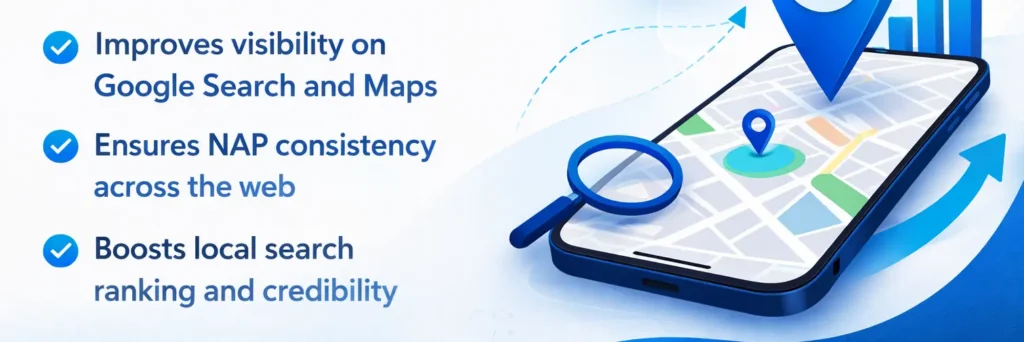
Key benefits of GBP optimization include:
- Improves visibility on Google Search and Maps
- Ensures NAP consistency across the web
- Boosts local search ranking and credibility
- Attracts more nearby customers and potential leads
Why Google Business Profile Matters for Local Businesses
A Google Business Profile matters because it increases your visibility on Google Maps and Search, builds trust with potential customers, and helps users make informed decisions.
Here’s why it’s essential:
- Boosts Local Visibility: An optimized profile increases your chances to appear in the Google local 3-pack, driving more organic visits and customer leads. Businesses focusing on improving local rankings for small businesses can see measurable growth in local search visibility.
- Builds Trust: Accurate information, high-quality photos, and professional business description optimization improve credibility and confidence.
- Influences Decisions: With photos, reviews, and posts, customers can evaluate your business before contacting or visiting, increasing conversions.
Optimizing your profile is a proven strategy as part of a full-service local SEO strategy, helping businesses grow their audience and attract more leads.
Step-by-Step Google Business Profile Optimization Checklist
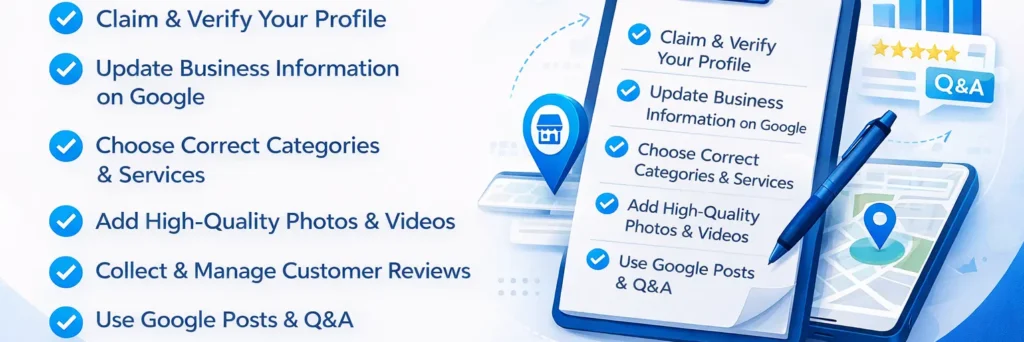
To optimize your Google Business Profile effectively, follow these steps:
- Claim & Verify Your Profile: Start with Google My Business profile optimization by claiming ownership. Verification builds trust, unlocks full features, and allows you to manage reviews and posts.
- Update Business Information on Google: Ensure NAP consistency and add accurate hours, website, and service areas for reliable local SEO.
- Choose Correct Categories & Services: Selecting the right GMB categories improves local search ranking and helps customers find your services.
- Add High-Quality Photos & Videos: Include business photos, interiors, products, and staff images. Business photos and posts improve engagement and credibility.
- Write a Keyword-Rich Business Description: Include targeted phrases naturally for Google Business listing optimization and better visibility.
- Collect & Manage Customer Reviews: Encourage reviews and respond to feedback to enhance Google reviews management and reputation.
- Use Google Posts & Q&A: Regular posts keep your listing active, and Google Q&A optimization improves engagement and customer trust.
Following this step by step Google Business Profile optimization guide ensures your listing is fully optimized for visibility, engagement, and conversions.
How Google Ranks Your Google Business Profile Locally
Google ranks business profiles based on three key factors:
- Relevance: How well your profile matches the user’s search query, including keywords in your business title, description, and services.
- Distance: How close your business is to the user’s location on Google Maps and Search.
- Prominence: Your online reputation, customer reviews, local citations, website authority, and other local SEO signals.
To learn more about the top factors for GMB ranking and how each factor affects your visibility, check our detailed guide. Proper GBP optimization, including business description optimization, reviews management, and local citations, directly improves your profile’s rank and helps you rank higher on Google Maps, boosting your local search visibility and attracting more nearby customers.
Managing Reviews and Ratings Effectively
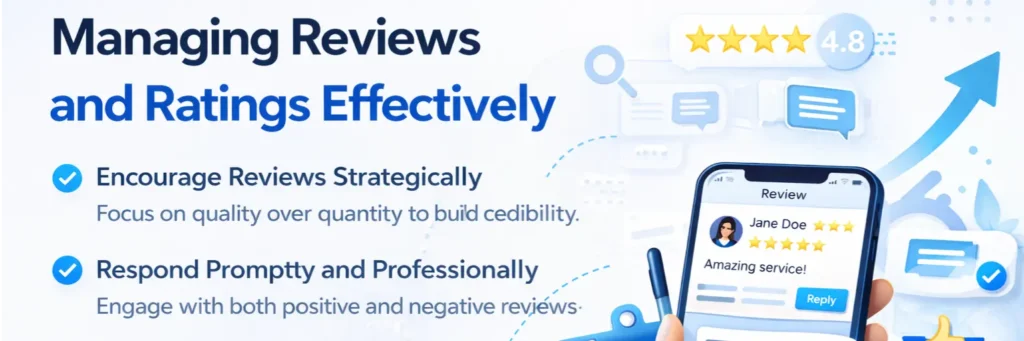
Customer reviews are one of the most important factors for Google Business Profile optimization, influencing both local search visibility and customer trust. Proper review management can set your business apart in Google Maps and Search results.
How to manage reviews effectively:
- Encourage Reviews Strategically: Ask satisfied customers to leave feedback, making it easy for them to submit reviews. Focus on quality over quantity to build credibility.
- Respond Promptly and Professionally: Engage with both positive and negative reviews. Address concerns transparently and thank customers for feedback to strengthen trust and demonstrate professionalism.
- Monitor Reviews Regularly: Use tools or dashboards to track new reviews, ensuring no feedback is ignored. Monitoring helps identify trends or recurring issues for continuous improvement.
- Integrate Reviews Into Optimization: Highlight positive reviews on your website, posts, and social profiles. This enhances GBP engagement and boosts your profile’s impact on local SEO performance.
By implementing these strategies, you can turn reviews into a powerful tool to attract more local customers, improve your reputation, and enhance the effectiveness of your Google Business Profile optimization.
Leveraging Google Q&A and Posts for Engagement
Using Google Q&A and Google Posts effectively can increase interaction, build trust, and drive more local traffic to your business. These features go beyond basic optimization and help your profile stand out in local searches and Google Maps.
How to leverage Q&A and Posts for maximum impact:
- Answer Customer Questions Promptly: Respond to FAQs clearly and professionally. This demonstrates expertise, builds trust, and encourages users to engage with your profile.
- Use Google Posts Strategically: Share updates, promotions, or events regularly to keep your profile active and attract clicks. Posts also signal freshness to Google, improving engagement and visibility.
- Encourage Interaction: Invite customers to ask questions via Q&A or respond to posts. Increased engagement can improve local SEO signals and highlight your profile in searches.
- Monitor and Optimize Performance: Track which posts and Q&A responses generate the most clicks or inquiries. Refine your strategy over time to maximize ROI from your Google Business Profile optimization efforts.
By actively managing Q&A and Posts, you can strengthen your profile, improve engagement, and drive measurable local leads, setting your business apart from competitors.
Tools and Costs for Google Business Profile Optimization
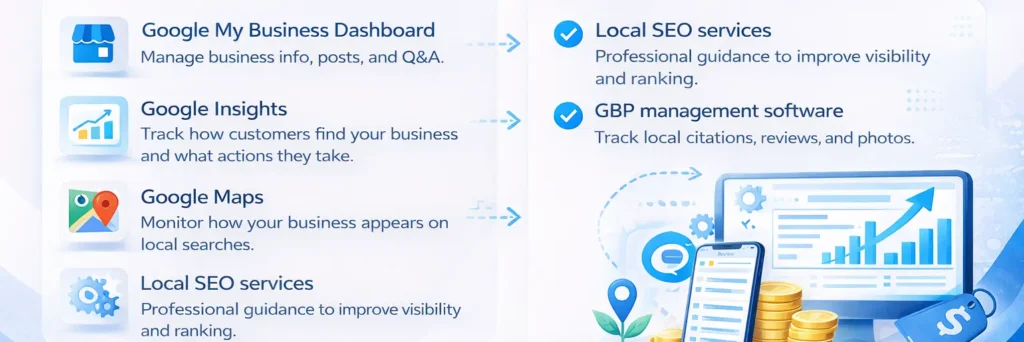
Optimizing your Google Business Profile can be done using a combination of free and paid tools:
Free Tools
- Google My Business Dashboard: Manage business info, posts, and Q&A.
- Google Insights: Track how customers find your business and what actions they take.
- Google Maps: Monitor how your business appears on local searches.
Paid Tools
- Local SEO services: Professional guidance to improve visibility and ranking.
- GBP management software: Track local citations, reviews, and business photos and posts across multiple listings.
For businesses managing multiple locations or scaling their local business marketing efforts, consider hiring professional Google My Business optimization services to ensure accurate, consistent, and effective management.
Advanced Tips & Hacks for Google Business Profile Optimization
Once your profile is complete, advanced optimization techniques can boost engagement, improve local search ranking, and generate more leads. These strategies go beyond the basics and help your profile stand out from competitors.
Pro tips for maximizing your Google Business Profile:
- Use Keywords Strategically: Include relevant search phrases naturally in your business description, services, and posts to align with local search queries. Avoid keyword stuffing.
- Add Virtual Tours and Videos: High-quality visual content, like 360° tours or demo videos, enhances engagement and increases the time users spend exploring your profile.
- Schedule Regular Posts and Updates: Share promotions, events, or news consistently to keep your profile active and signal freshness to Google.
- Monitor and Respond to Reviews Strategically: Track new reviews daily, respond promptly, and highlight positive feedback to reinforce credibility and authority.
- Optimize Profile Content for Clicks: Test headlines, service descriptions, and call-to-actions in posts and updates to increase conversions and attract more visitors.
Implementing these advanced GBP optimization hacks helps generate organic visits, improve local SEO performance, and strengthen your business reputation in your community.
How Google Business Profile Supports Local SEO
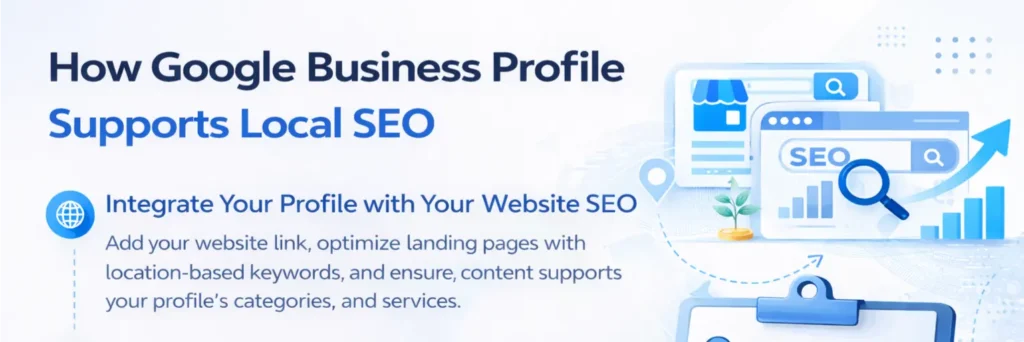
A well-optimized Google Business Profile does more than improve your listing on Maps, it works hand-in-hand with your local SEO strategy to drive visibility, engagement, and leads. Here’s how to make it an integral part of your online marketing:
- Integrate Your Profile with Your Website SEO: Add your website link, optimize landing pages with location-based keywords, and ensure content supports your profile’s categories and services.
- Maintain Accurate Local Citations and Backlinks: Consistency in Name, Address, and Phone (NAP) across directories, social profiles and local citations and backlinks strengthens your prominence in Google’s algorithm.
- Monitor Insights and Analytics: Track clicks, calls, direction requests, and user interactions via the Google My Business dashboard to identify what drives traffic and adjust your strategy accordingly.
- Align GBP Optimization with Local Marketing Campaigns: Use Google Posts, Q&A, and review responses to complement your social media and email marketing efforts, creating a cohesive local marketing ecosystem.
By strategically combining Google Business Profile optimization with your local SEO efforts, you can maximize visibility, attract more nearby customers, and ensure your business stands out in local searches.
Common Mistakes to Avoid in Google Business Profile Optimization
Avoid these common mistakes to ensure your Google Business Profile optimization efforts are effective and your listing ranks well in local search:
- Inconsistent Business Information or NAP Errors: Mismatched Name, Address, or Phone can confuse Google and reduce local ranking.
- Ignoring Customer Reviews or Failing to Respond: Not engaging with reviews hurts credibility and lowers customer trust.
- Not Using Google Posts, Photos, or Q&A Features: Missing these features reduces visibility, engagement, and interaction with potential clients.
By avoiding these errors, your Google My Business profile optimization will be more effective, helping you attract more local customers and improve your local SEO performance.
Benefits of Professional Google Business Profile Optimization Services
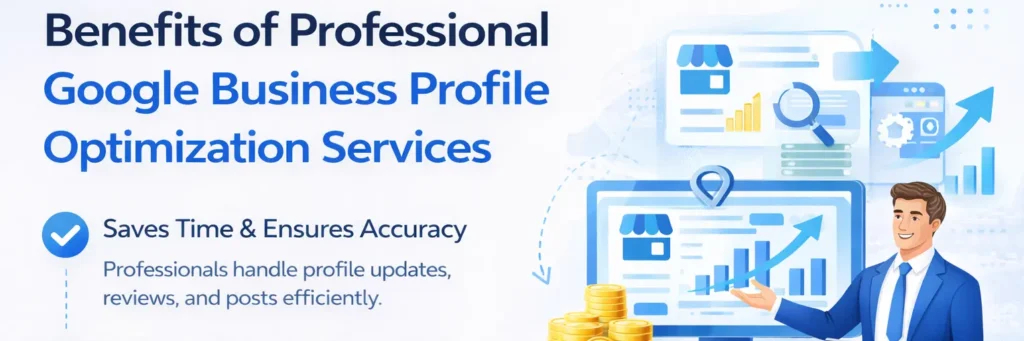
Hiring a professional GMB optimization service provides several advantages for businesses seeking higher local visibility and lead generation:
- Saves Time & Ensures Accuracy: Professionals handle profile updates, reviews, and posts efficiently, freeing business owners to focus on core operations.
- Expert Strategies Improve Local Search Ranking: Implement proven local SEO and Google Maps marketing techniques to boost visibility.
- Provides Ongoing Support: Regular tracking of reviews, posts, and insights ensures sustained engagement and profile performance.
- Ideal for High Visibility & Lead Generation: Professional services help generate more organic leads and improve local business marketing results. For businesses curious about the need of a digital marketing agency, understanding how professional guidance can accelerate growth is essential.
Conclusion
Optimizing your Google Business Profile is essential for local business visibility, generating leads, and building credibility. By following the step-by-step guide, implementing best practices, and monitoring performance regularly, businesses can strengthen their online presence and improve local search ranking.
For businesses seeking professional support, Click Path Marketing offers Google My Business optimization services, local SEO, and GBP management to help you rank higher, attract more customers, and achieve measurable results with your local business marketing efforts.