


If you’re a local business owner, increasing phone calls through your Google Business Profile can directly impact your revenue. But how to get more calls from Google Business Profile? This blog will walk you through easy-to-implement best practices for optimizing your Google Business Profile, leveraging local SEO, and ensuring your profile generates more phone leads. If you’re looking for expert guidance on optimizing your Google Business Profile and other digital marketing strategies, our digital marketing agency can help you drive more calls and increase local engagement.
Why Are Phone Calls Important for Local Businesses?

The Power of Phone Calls for Local Businesses
Phone calls are essential for the growth of any local business. Research shows that customers prefer calling businesses directly, especially when they need immediate information such as availability or pricing. By having your phone number clearly visible on your Google Business Profile, you’re not only making it easier for potential customers to reach you but also increasing the chances of converting these calls into sales or inquiries. For more insights on how small businesses win local search, check out our detailed guide on optimizing for local SEO.
Benefits of Phone Calls Over Other Interactions
Unlike online forms or emails, phone calls offer instant communication. Customers can speak to a live person, get immediate answers, and often feel more connected to your business. By optimizing Google Business Profile for calls, you ensure that your business stands out in local search results, driving more valuable phone leads.
Why Phone Calls Are Key to Your Business Success:
- Instant Communication: Customers can ask questions and get answers right away.
- Build Trust: Speaking to a live person helps build confidence in your business.
- Increase Conversions: Customers who call are more likely to convert into paying clients or inquiries.
Setting Up and Analyzing Calls from Google Business Profile
Setting Up Call Tracking in GBP
To track calls from your Google Business Profile, follow these steps:
- Log into your Google My Business account.
- Navigate to the Insights section.
- Enable call tracking to monitor how many people click to call your business.
This helps you measure call volume over time and optimize your profile accordingly.
Understanding Google Business Profile Insights for Calls
GMB insights are essential for understanding how your phone number in Google Business Profile is performing. By regularly monitoring these metrics, you can identify:
- Peak Call Times: Know when you receive the most calls, and adjust your availability or staffing accordingly.
- Missed Calls: Track missed calls and take necessary action to ensure you don’t miss potential opportunities.
- Customer Engagement Trends: Understand how customer engagement is affecting your call volume, and use this information to optimize your strategy.
The Importance of Analyzing Call Metrics
Once you’ve set up call tracking for GMB, it’s essential to analyze the data to adjust your strategy:
- Call-to-action updates: Consider adjusting your call-to-action to prompt customers to call during peak hours.
- Optimize Business Hours: Align your business hours with high call volume periods to maximize availability.
- Improve Customer Engagement: Understand where your calls are coming from (e.g., local search results, specific services) to target your marketing efforts.
By using call tracking for GMB, you can adjust your local business SEO for phone calls and ensure more calls come through during high-traffic hours.
Best Practices to Optimize Your Google Business Profile for More Calls
Adding a Visible Phone Number
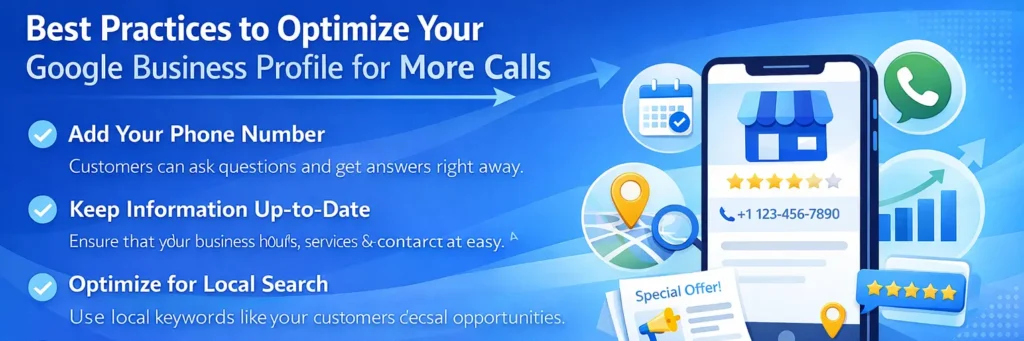
To increase the likelihood of receiving calls from your Google Business Profile, make sure your phone number is visible and clickable. Many customers prefer quick contact methods, and
Having a local phone number is key to improving call frequency on Google Business Profile.
- Add your phone number to your GMB description to ensure customers can easily find and contact you.
Keeping Your Information Up-to-Date
Regularly updating your business details on your Google Business Profile is crucial for attracting more calls. Ensure that your business hours, services, and contact details are always accurate.
- Regularly update your business hours to prevent missed opportunities.
- Make sure your contact details are correct so customers can easily get in touch.
Optimizing Your Description for Local Search
To make sure your business shows up in local searches, optimize your Google Business Profile description with local SEO keywords. Include your city, relevant services, and other local terms that people might use when searching for businesses like yours.
- Use local keywords like your neighborhood, city, or region to increase your profile’s visibility in local search results.
- Mention key services that your customers are likely searching for in the description. For a more comprehensive approach, you can consider our Google business profile optimization service to ensure your profile is fully optimized for both visibility and phone leads.
To improve your chances of appearing in local maps, learn how to win maps locally with the right optimization strategies that drive visibility on Google Maps. Understanding GMB ranking factors can further help refine your optimization efforts for better call volume.
Encouraging Customer Reviews and Engagement
A business with positive reviews will naturally attract more customers and increase the likelihood of phone calls. Google My Business reviews boost trust and show potential customers that your business is reliable.
- Encourage satisfied customers to leave positive reviews on your profile.
- Respond to reviews to show customers you value their feedback.
Using Google Posts to Drive Attention
Another way to increase calls is by regularly posting updates, promotions, or events through Google Posts. These posts make your Google Business Profile more interactive and can encourage users to take action such as calling your business directly.
- Use Google Posts to share special offers, updates, or promotions that prompt users to call you.
How Local SEO Enhances Call Volume from Google Business Profile
The Role of Local Search Ranking in Call Generation
By optimizing your Google Business Profile for calls, you can improve your rankings in local search results. When your profile shows up in Google’s local 3-pack, you’re more likely to receive phone calls from potential customers.
Local business SEO for calls ensures your profile is visible to customers searching for services near them.To boost your local search rankings and attract more phone leads, our local SEO service can help you optimize your Google Business Profile and other aspects of local SEO.
Optimizing for Local Keywords in Your Profile
Using the right local keywords in your profile description, business name, and services can dramatically increase your visibility in local search results. Here’s how:
- Include local keywords like your city, neighborhood, or region in your Google Business Profile description.
- Add relevant keywords to your business name and categories to show up in local searches.
- Google My Business features like services, posts, and updates can be optimized with local terms to ensure you attract more calls.
Analyzing Google My Business Insights to Boost Call Volume
What GMB Insights Tell You About Customer Behavior
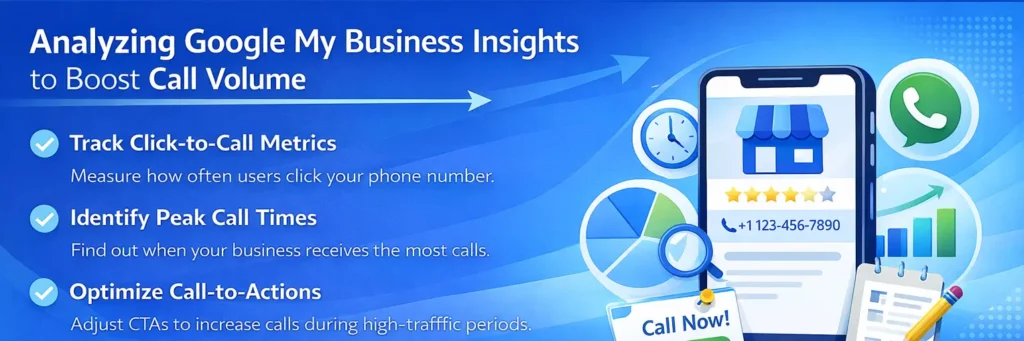
GMB insights are essential for understanding how your phone number in Google Business Profile is performing. By reviewing click-to-call metrics, you can identify:
- How often users click your phone number to make calls.
- Which times of day your business is receiving the most calls.
- Whether these interactions are converting into leads or inquiries.
Improving Your Profile Based on Insights
Once you have analyzed the data, you can optimize your Google Business Profile to increase the number of calls:
- Adjust your business hours based on peak call times to ensure availability.
- Update your call-to-action (CTA) to encourage customers to reach out, particularly during high-traffic periods.
If you need a more comprehensive review of your profile and local SEO performance, consider our local SEO audit service to ensure that all aspects of your business are optimized for maximum call volume.
Common Mistakes That Prevent You from Getting Calls on Google Business Profile
Not Updating Information Regularly
If your Google Business Profile is outdated, customers may not be able to reach you when they need to. To avoid missed opportunities:
- Ensure your business hours, phone number, and services are always accurate and up-to-date.
- Check your profile regularly to ensure all information is current.
Outdated business info can prevent potential customers from calling your business, leading to lost opportunities.
Forgetting to Track or Monitor Phone Leads
Without call tracking, it’s hard to know whether your Google Business Profile optimization is working.
- Set up call tracking in Google Business Profile to measure how many calls your business receives.
- Use Google My Business Insights to track call volume, duration, and customer engagement.
By monitoring phone leads, you can assess your ROI and make data-driven adjustments to increase your call volume.
Ignoring Reviews and Customer Feedback
Ignoring customer reviews or failing to engage with customers on your Google Business Profile can hinder business growth.
- Respond to reviews to show you care about your customers’ feedback. This builds trust and increases call frequency.
- Encourage customers to leave positive reviews, as this directly influences your profile visibility and customer engagement.
A profile with positive reviews leads to more phone calls and higher customer trust.
How to Use Call Extensions in Google Ads to Boost Calls
Setting Up Call Extensions in Google Ads Campaigns
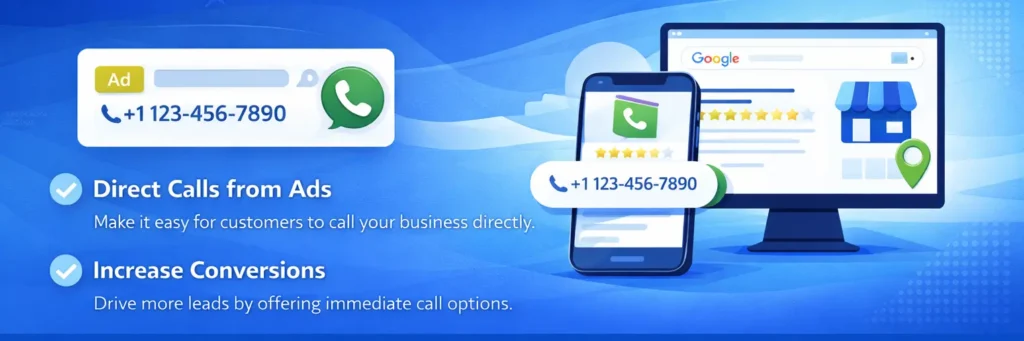
Adding call extensions to your Google Ads campaigns allows potential customers to call your business directly from the ad. This is especially useful for businesses that rely on phone leads, like service-area businesses.
Steps to add call extensions:
- Log into your Google Ads account.
- Navigate to Ads & Extensions and click on Extensions.
- Choose Call Extensions, and add your business phone number.
- Set the hours during which you want your phone number to appear in the ad.
Benefits:
- Direct calls from the ad, improving accessibility.
- Increased conversions by providing immediate connection options to potential customers.
Integrating Google Ads with Google Business Profile
By syncing Google Ads with your Google Business Profile, you create a seamless experience for users. This makes it easier for potential customers to reach you through call extensions, increasing call volume and improving customer engagement.
Steps to integrate:
- Link your Google Ads account to your Google Business Profile.
- Ensure your phone number and business location are consistent across both platforms.
- Use the location targeting from your Google Business Profile to match your ads with local search results.
Leveraging Photos and Videos for Increased Engagement
Why Adding Photos & Videos Can Encourage More Calls
Adding photos of your storefront, products, or services helps make your Google Business Profile more engaging. Customers are more likely to trust your business and call when they see high-quality visuals that represent your business accurately.
Best Practices for Visual Content
To ensure your Google Business Profile stands out and attracts more calls, follow these best practices for adding photos and videos:
- Use clear, professional photos of your storefront, team, and products to build trust.
- Videos are a great way to showcase your services, provide business updates, or introduce your team.
- Ensure that all images and videos are well-lit, clear, and represent your business in the best light possible. These visual elements will help boost customer engagement and increase calls.
How to Use Google Q&A to Increase Customer Engagement and Calls
Using Google Q&A to Engage Customers and Drive More Calls
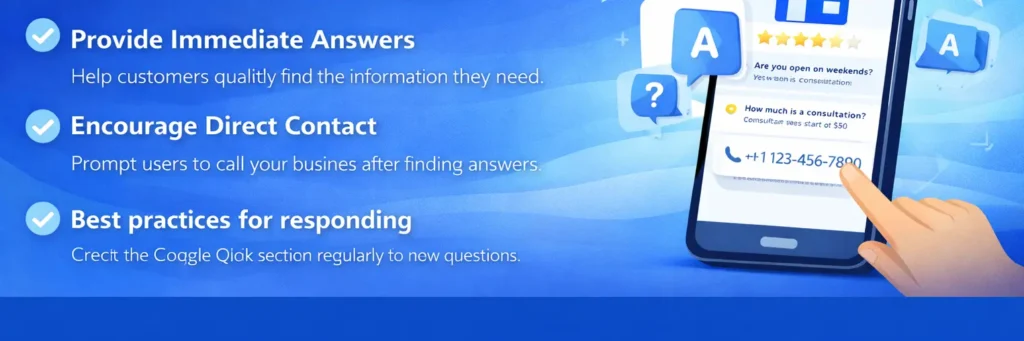
Answering common questions in the Google Q&A section can significantly increase customer engagement. By providing helpful and clear answers, you encourage potential customers to reach out via phone.
Why Google Q&A increases calls:
- It provides immediate answers to potential customers.
- It encourages users to contact your business directly after finding the information they need.
Monitoring and Responding to Questions Effectively on Google Business Profile
Actively monitoring and responding to questions in the Google Q&A section shows customers that you care about their concerns. Prompt responses lead to higher engagement, which translates into more calls.
Best practices for responding:
- Check the Google Q&A section regularly for new questions.
- Respond quickly to keep customers engaged and build trust.
- Provide clear and helpful answers to drive more calls.
Managing Customer Expectations with Accurate Business Hours
The Importance of Correct Business Hours in Getting More Calls
Customers need to know when your business is open. By keeping your business hours updated, you ensure that potential customers can reach you at the right time. Accurate business hours help:
- Prevent missed calls by showing when you’re available to take calls.
- Increase customer trust by ensuring they can contact you during your operating hours.
- Improve call volume as customers will be more likely to call when they know you’re open.
How to Update Your Business Hours
- Regularly check your business hours in Google Business Profile and update them if needed.
- Use Google’s bulk upload feature if you have multiple locations to easily manage updates across your business profile.
Promoting Your Google Business Profile Beyond Google
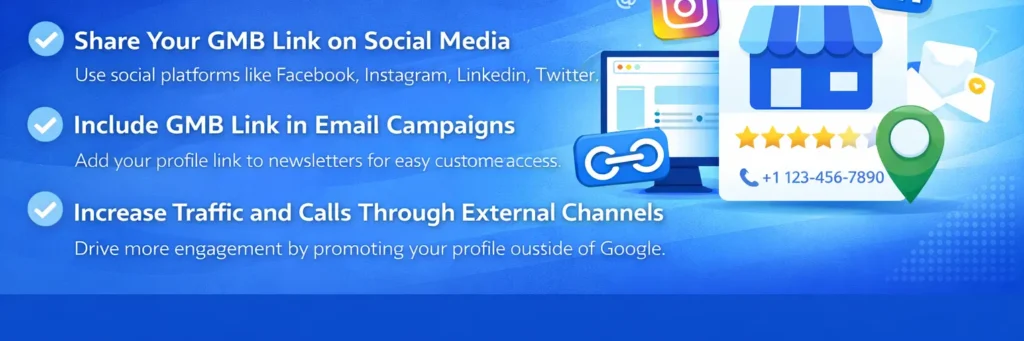
How to Promote Your Google Business Profile on Social Media and Other Channels
Promoting your Google Business Profile outside of Google can significantly increase its visibility, driving more traffic and calls. Here’s how you can do it:
- Share your GMB link on your website: Add your Google Business Profile link to your website’s homepage or contact page to direct customers there.
- Post your profile on social media: Share your GMB link on platforms like Facebook, Instagram, LinkedIn, and Twitter to reach a wider audience.
- Include the link in email newsletters: Send your Google Business Profile link in email marketing campaigns to ensure your existing customers can easily find and call you.
Why Promoting Beyond Google Increases Calls
Promoting your Google Business Profile outside of Google is a great way to:
- Increase profile visibility through external traffic.
- Use social media and email marketing to drive more customer engagement.
- Make it easier for potential customers to find and call your business directly.
If you’re wondering how to manage your Google Business Profile and promote it effectively, you may find yourself in the need of a digital marketing agency to help you streamline your strategies and achieve better results.
Conclusion
Optimizing your Google Business Profile is crucial for increasing calls and driving local engagement. By implementing the strategies discussed in this blog from adding a visible phone number to leveraging Google Q&A you can significantly improve your profile’s performance and attract more calls from potential customers. Now it’s time to take action: optimize your profile, engage with your customers, and track your results. Monitor your call volume, adjust your strategies based on insights, and watch as your business grows through increased calls and customer interactions.